Every release gets its own page. Automatically.
Connect Spotify once on Automate. StagePanel builds a smart link page for each track, keeps your artist site in sync, and on Insights tells you when you get radio plays or chart entries.
7-day Automate trial, no card. Starter stays free.
Your releases, linked automatically to Spotify, Beatport, Apple Music & more.
Spotify YouTube Music Apple Music Amazon Music SoundCloud Deezer Shazam TIDAL Beatport Bandcamp Napster
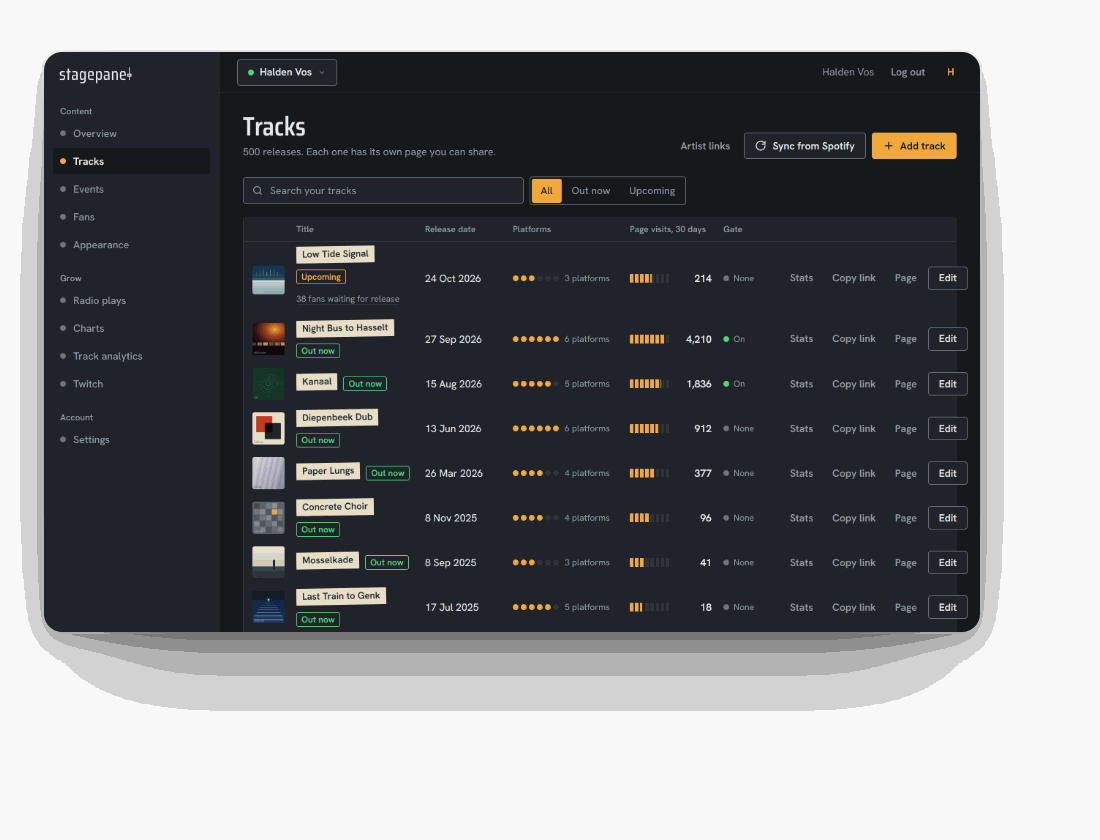
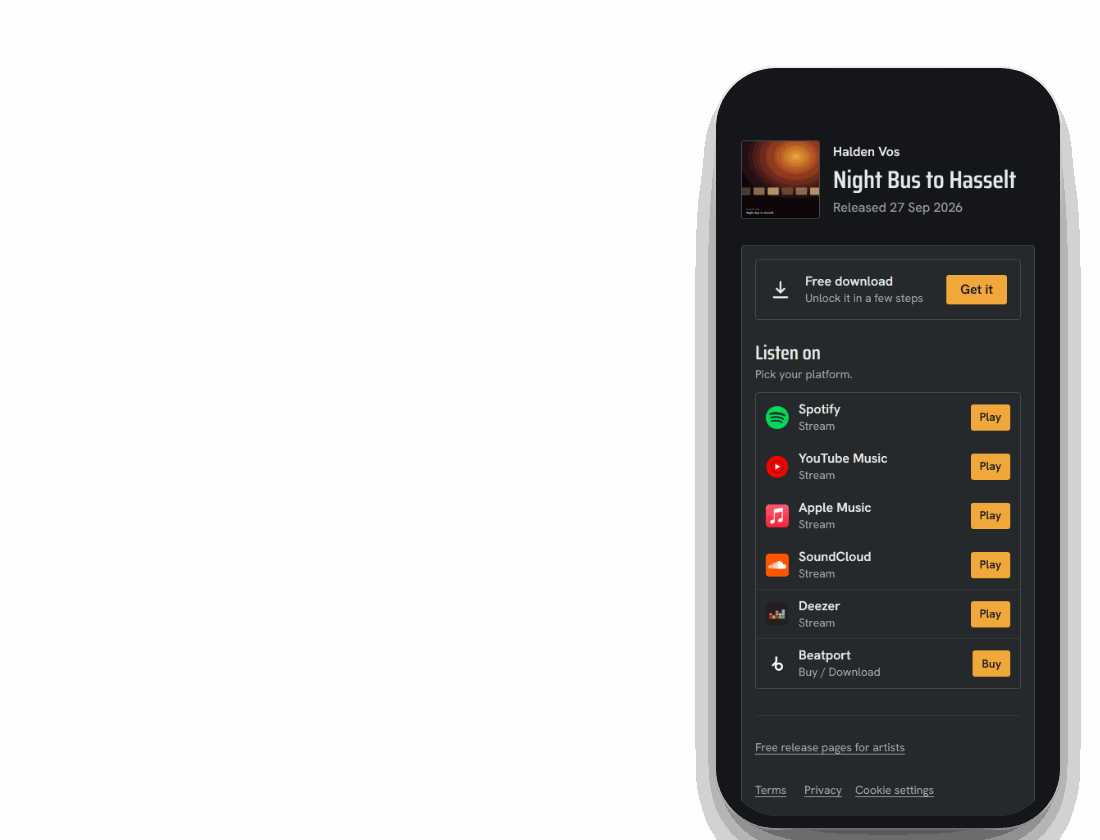
Example artist, releases and plays.
- release pages
- 50+
- platform links
- 400+
Built by an artist, running on his own release pages. See Bucky's release page
What runs on autopilot once you connect Spotify
Your pages stay in sync with the platforms you already use.
A release page for every track
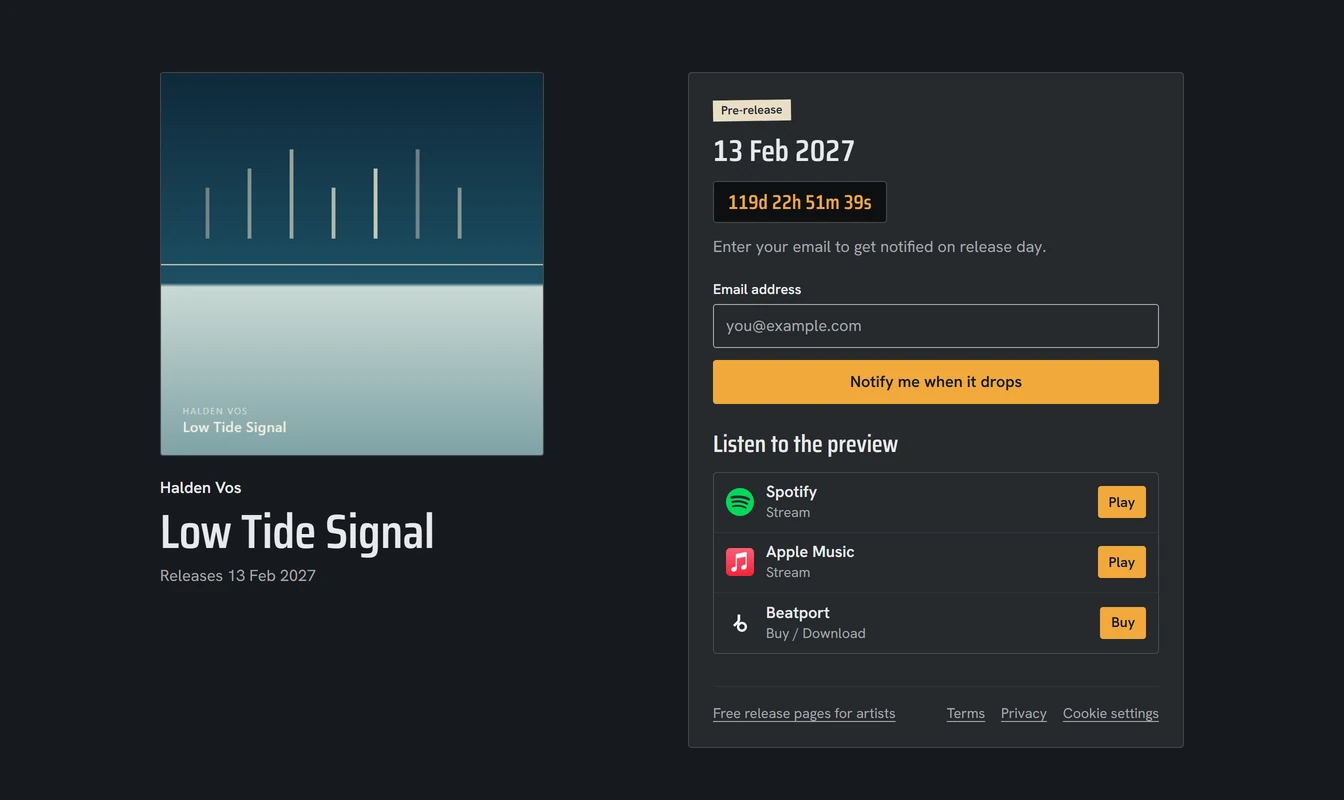
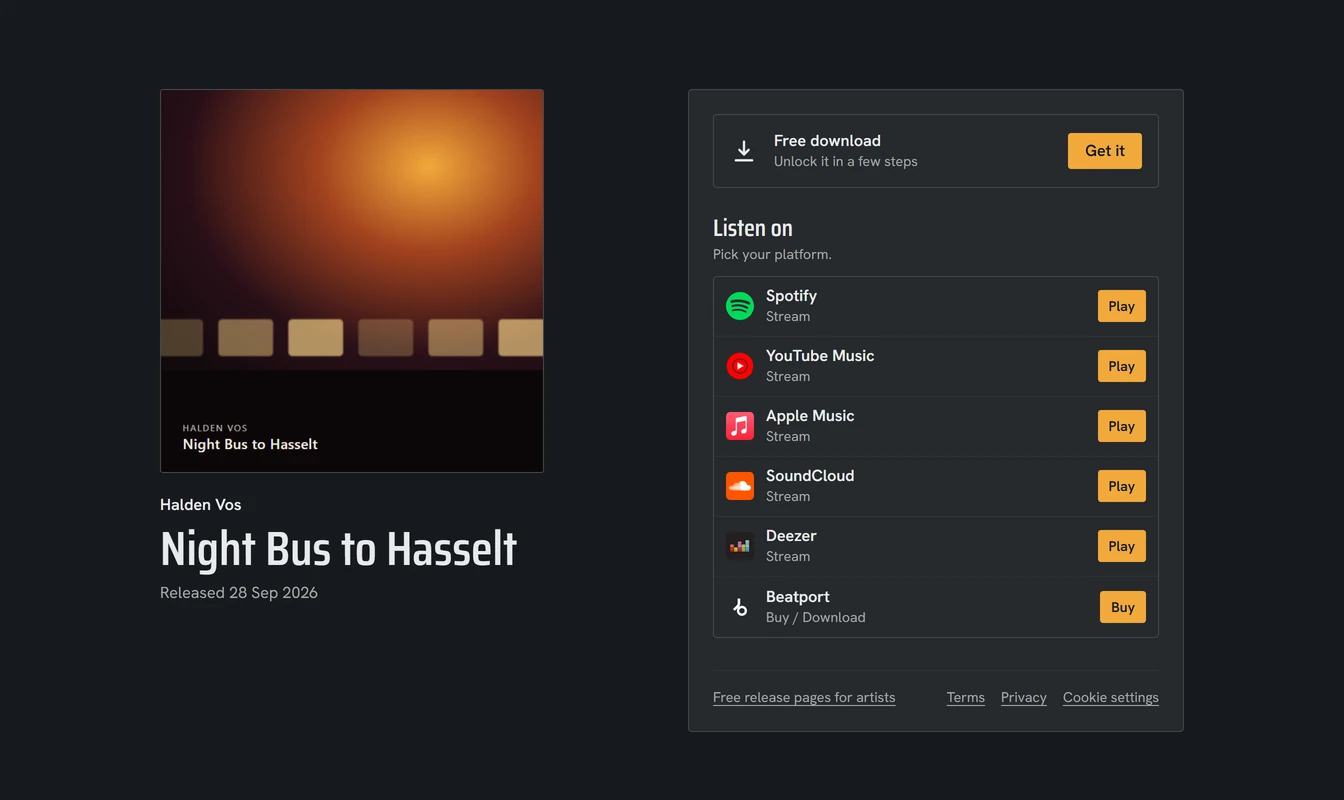
Smart links, cover art and release dates for every track, before and after release day.
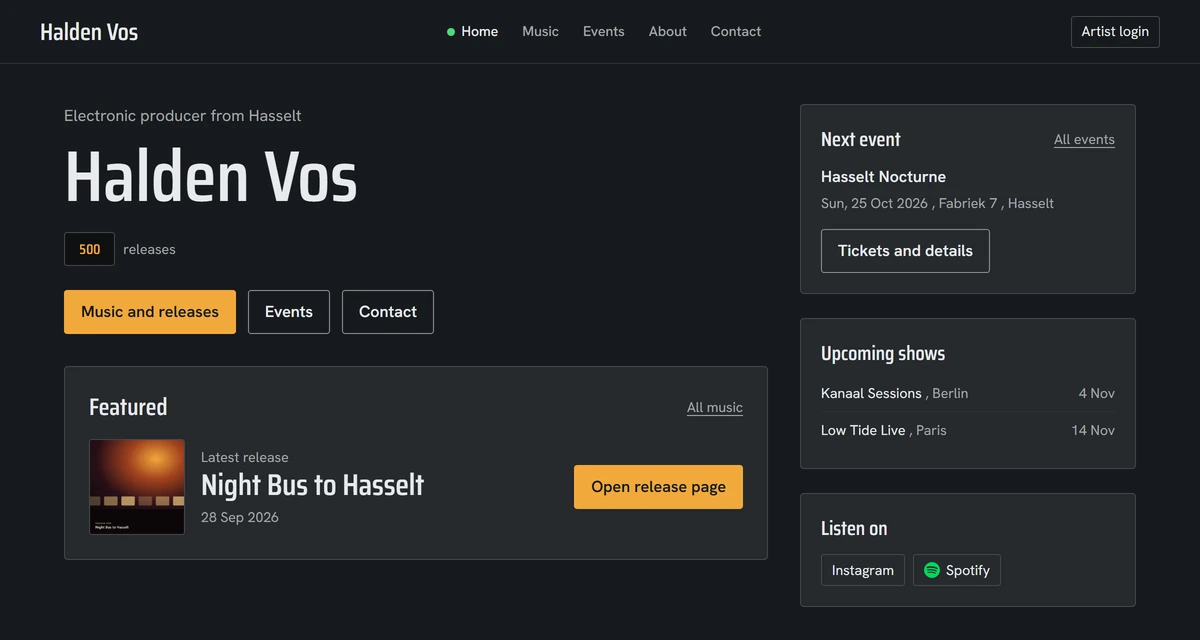
Automated artist website
Professional templates optimised for DJs and producers. Responsive, fast and always in sync.
- Home, Music, Events, About, Contact
- Dark themes tuned for nightlife
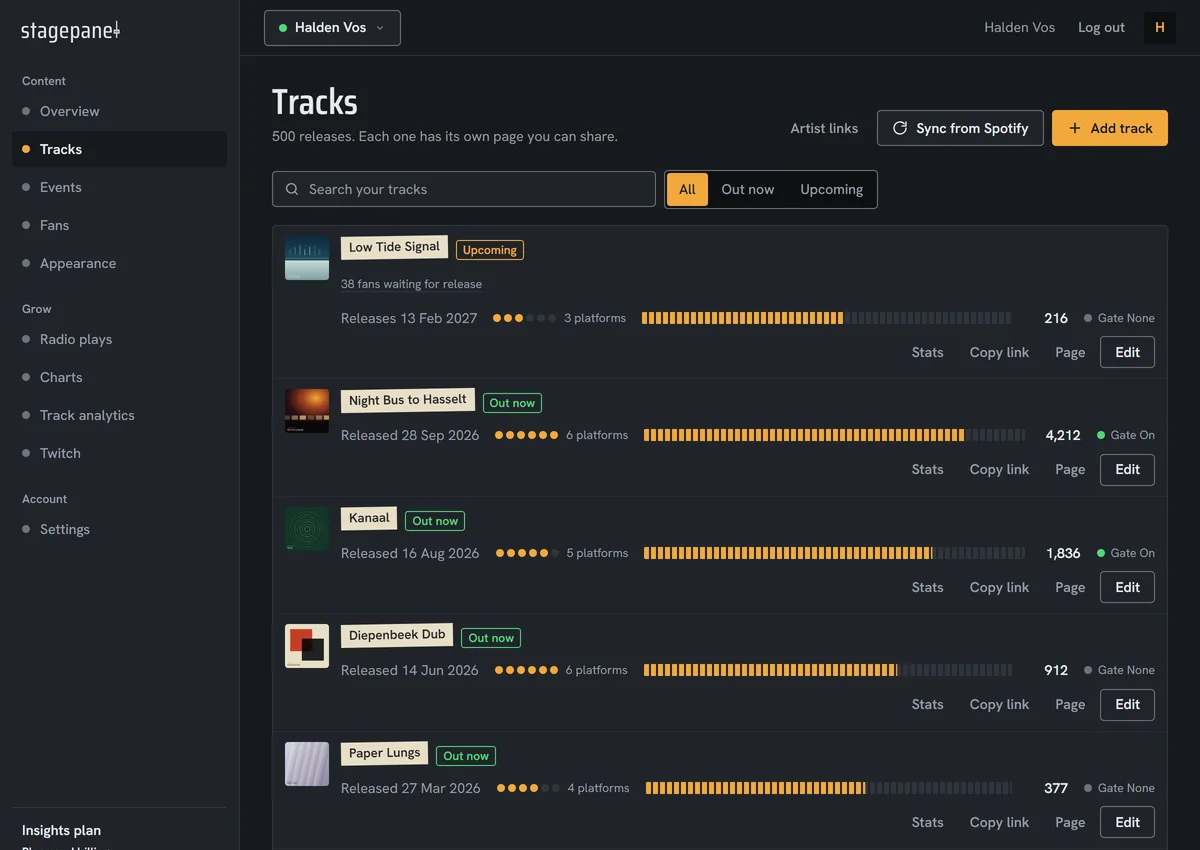
Music & release sync
Connect your Spotify, we handle the rest.
- Auto-import tracks and releases
- Cover art, dates, platform links
- Smart links for each release
- Manually upload unreleased tracks, sync when it drops
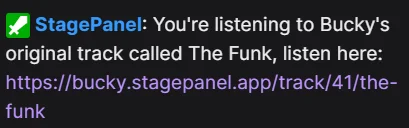
Twitch commands
Automatically adds Twitch commands for all your releases
Radio plays
Insights plan
We check 1000+ radio stations every day and tell you when one of your tracks was played.
- 1000+ radio stations monitored
- An email with the station for each new play
- See when and where your tracks are played
Spotify playlist
Insights plan
Added to a Spotify playlist? We email you, checked daily.
Event sync
Coming soon
Automatically adds events where you'll be playing, plus manual control when you need it.
- Import from Bandsintown and others
- Manually add gigs and tours
- Public events page per artist
How StagePanel works
From sign-up to fully automated public release pages. Built for DJs, producers, streamers and hybrid performers.
-
Create your StagePanel
Tell us your artist name, our platform instantly sets up your StagePanel.
-
Link Spotify
Paste your Spotify artist link and, on Automate, we import your releases and provide links to all streaming platforms. On Starter you add tracks by hand.
-
Customize & publish
If you want, you can customize your StagePanel with your own colors, logo, bio, and more.
Pricing
Prices per artist profile, in euro, VAT included where it applies. Pay monthly or yearly, cancel any time.
Every new account gets 7 days of Automate. No card. Afterwards you stay on Starter unless you upgrade.
Starter
Release pages and your artist site, hosted on your-name.stagepanel.app. Perfect for testing StagePanel.
Automate
Or €140/year (2 months free)
Automate your releases and artist website.
Upgrade any time from the dashboard.
Insights
Or €240/year (2 months free)
For artists and teams who want deeper growth data and alerts.
Upgrade any time from the dashboard.
| Included per artist | Starter | Automate | Insights |
|---|---|---|---|
| Release page per track | |||
| Artist site on your-name.stagepanel.app | |||
| Pre-release fan emails | |||
| Spotify auto-sync | – | ||
| Streaming platforms linked automatically | – | ||
| Twitch commands | – | ||
| AI artist bio (editable) | – | ||
| Download gates | – | ||
| Pre-saves on release day (Apple Music) | – | ||
| Radio plays | – | – | |
| Chart entry alerts | – | – | |
| Spotify playlist alerts | – | – | |
| Spotify popularity scores | – | – |
Frequently asked questions
Do I need a Spotify artist profile?
No. With a Spotify artist profile, Automate imports your releases for you and finds the same tracks on Apple Music, Beatport, SoundCloud, Deezer, TIDAL and more. Without one, add tracks by hand: release pages and pre-release fan emails work the same, and download gates are part of Automate.
What happens when the 7-day trial ends?
Nothing is charged. Your account drops to Starter: your pages stay online, automatic Spotify syncing and platform linking pause until you upgrade. If you upgrade during the trial, you keep the remaining trial days and the first charge comes when the trial ends. With less than 2 days left, the first charge is at checkout.
Is the price per artist?
Yes. Each artist profile has its own plan. One account can manage up to 3 artists; extra artists start on Starter without a trial, and you upgrade each one separately.
Where do my artist site and release pages live?
On your-name.stagepanel.app. Older links with your name after stagepanel.app/ forward there, and every release gets its own page and smart link under it.
How is this different from Hypeddit or Linkfire?
Those give you a link page per release that you build by hand. StagePanel builds and updates all of them from Spotify, adds an artist site, pre-release email capture and, on the Insights plan, radio and chart alerts. Download gates are available on Automate.
Compare: StagePanel vs Hypeddit, StagePanel vs Linkfire, StagePanel vs Feature.fm
Where do the radio play and chart data come from?
From Soundcharts, which monitors 1000+ radio stations and the main streaming charts. Radio plays and chart alerts are part of the Insights plan.
Can I cancel any time?
Yes, from Manage subscription under Your plan in your dashboard. You keep access until the end of the paid period.
Is there an API or embed?
The music list can be embedded in any site through the music/iframe page of your artist site, for example your-name.stagepanel.app/music/iframe.